Codex 对接 Azure openai 模型
目录
关于
接上篇文章,讲解如何在 Codex 中对接 Azure Foundry 的模型
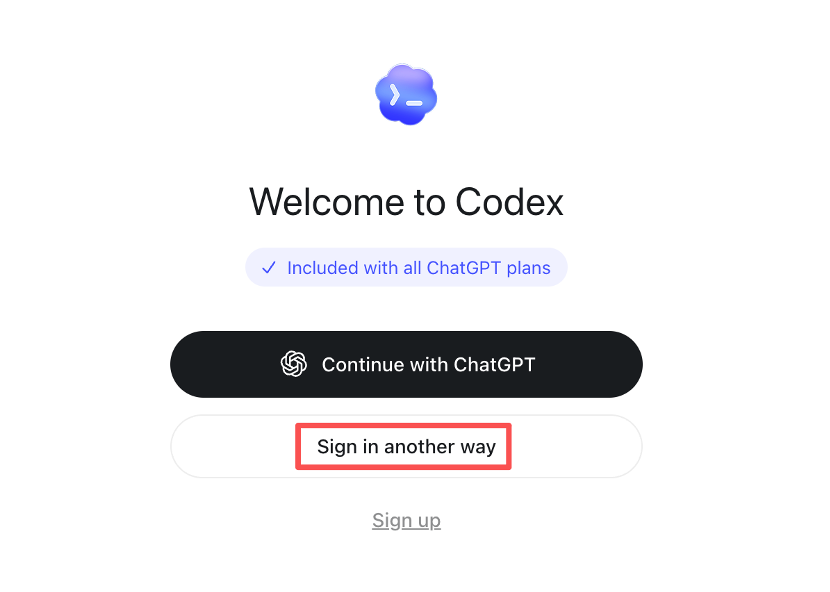
打开 Codex,使用 Sign in another way:
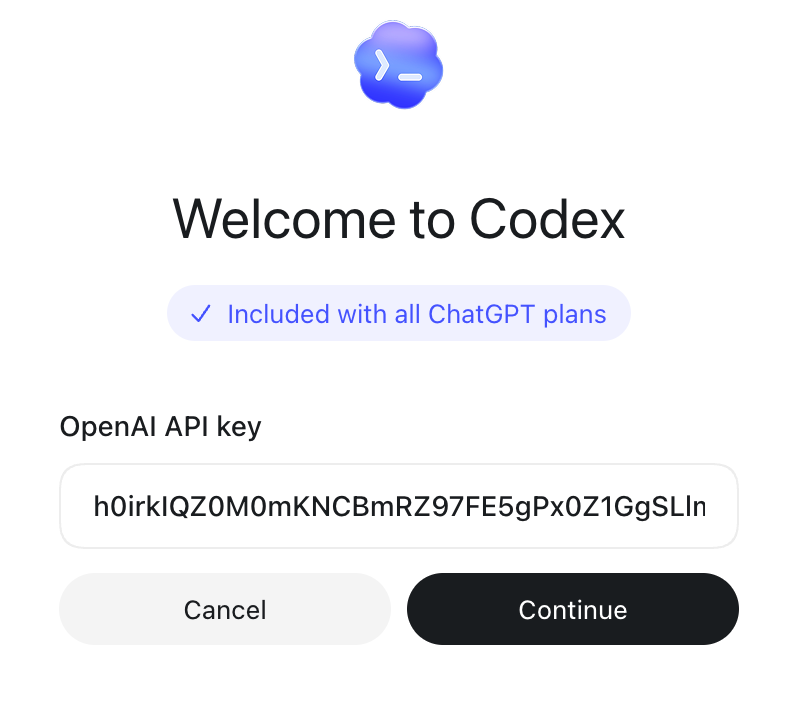
填写从 Azure 获取的 API key。
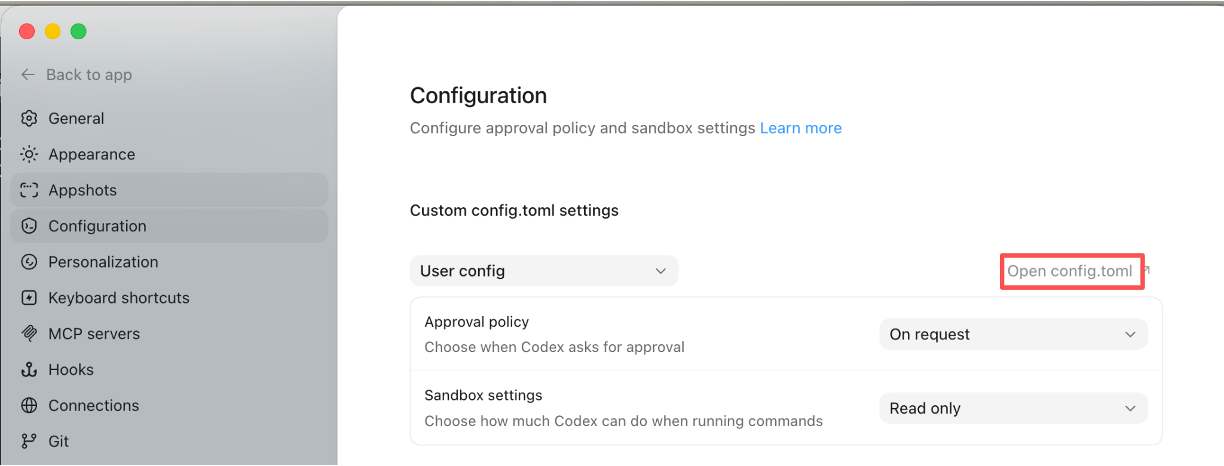
之后打开 Codex 设置,在 Configuration 中找到 Open config.toml 并打开(mac 上默认路径是 ~/.codex/config.toml)
添加下列内容(参考文档):
model_provider =  "azure"

[model_providers.azure]
name = "Azure"
base_url = "https://xxxx.openai.azure.com/openai/v1"
wire_api = "responses"
request_max_retries = 3
stream_max_retries = 5
stream_idle_timeout_ms = 300000
之后就可以直接用啦(记得挂🪜):